
My Boho Avatar
My Boho Avatar
Before any clothing appears, you build a face.
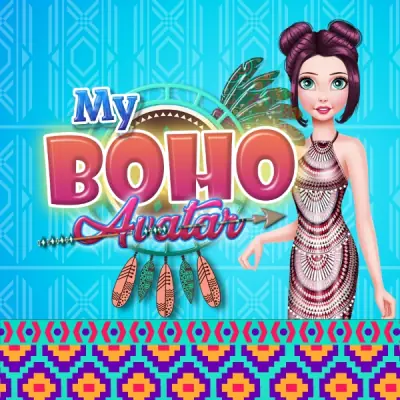
That is the stage most dress up games skip. Here the opening section is a full character creator: face features, hairstyle, hair colour, eyebrow shape, eye colour and expression, each chosen separately. Only then does the wardrobe open, accessories after that, and the final step is picking a background to stand the finished avatar against.
Because the face is yours rather than a fixed princess, the result reads as an avatar rather than a doll, which is what the boho festival styling is aiming at. Egirlgames, free in the browser, and with no export of any kind, so screenshot it.
How to play My Boho Avatar
Work through the face first: features, hairstyle and hair colour, then eyebrow shape, eye colour and expression. Changing these later forces you to rejudge every colour decision made above them. Open the wardrobe next and settle a palette before you add accessories, since boho layering piles up fast and drowns a weak base. Choose the background last, once the avatar is finished, then screenshot the result, as nothing is saved.
More games like this
 Chinese Beauty
 Superheroes Dress Up Game

 Lady Jane
 Fairytale Heroines Dress Up New
 Babs and Friends Back to School
Developer
My Boho Avatar is made in house, and this is its home. It is not licensed from anyone else.
Frequently asked questions
Is this a dress up game or a character creator?
Both, in that order. The face is built feature by feature first, and the boho wardrobe and accessories follow it.
Can I keep the avatar?
Not through the game, there is no save or export. A screenshot is the only way, and it is free to play in any browser.